Intake, approved follow-up and visibility.
Explore the six-step fictional workflow for the $7,500 implementation: website assistant, intake, CRM handoff, approved follow-up, dashboard and human review.
See what happens
after someone reaches out.
These are real interface examples with fictional sample details. They illustrate the inquiry flow; they are not client testimonials or a claim of increased revenue.
A straightforward request.
The customer can use a form without speaking to an assistant. Name, email and the help needed are required. A phone number and text-confirmation choice are optional. The request is saved before the success message appears.
See the customer request screen
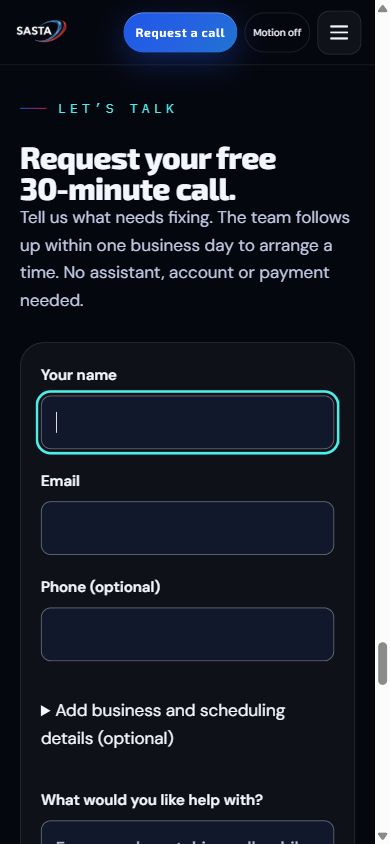
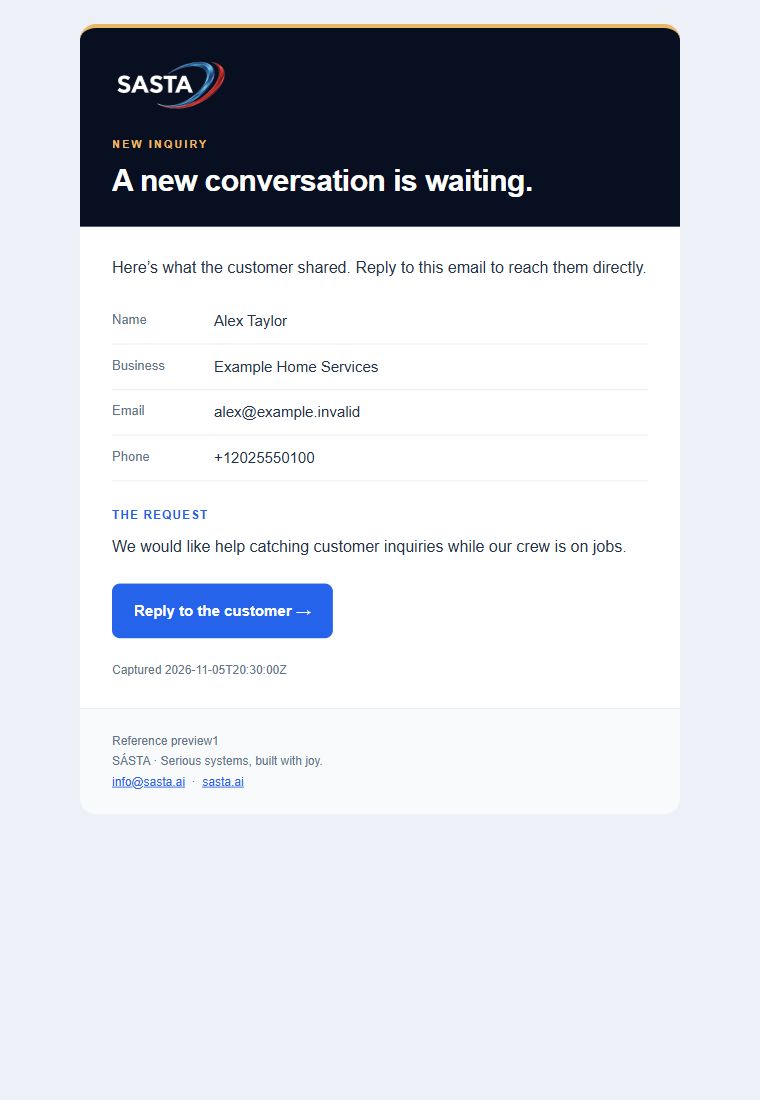
The details arrive together.
The owner receives the captured request by email and text. The email provides the customer’s contact details and a way to reply. This example uses Alex Taylor, a fictional customer; no real customer information appears here.
See the sample owner email
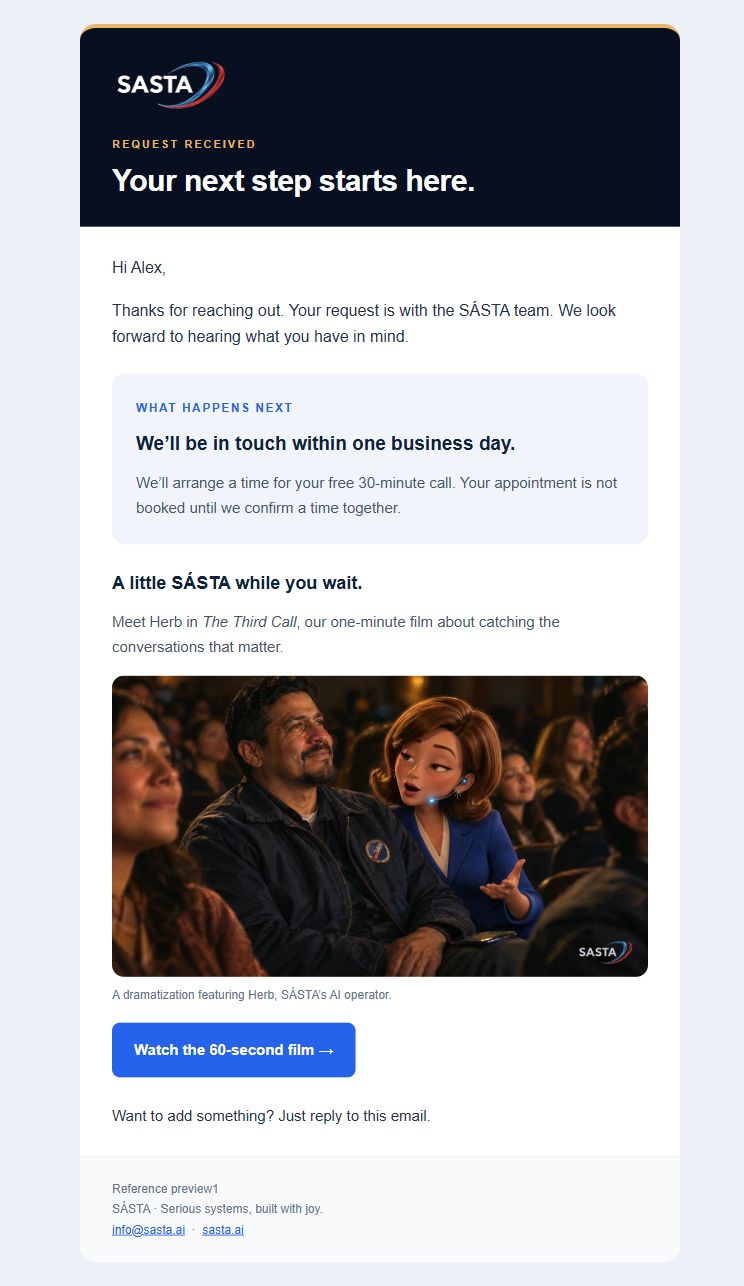
The customer knows what comes next.
The customer receives an email confirmation and, when they choose it, a text. The receipt explains that the team follows up within one business day to arrange a free 30-minute call. A requested call is not a booked appointment.
See the sample customer confirmation
A person confirms the plan.
A connection can take it further.
For a SASTA discovery request, the team arranges the call with you. For a business that needs automatic scheduling, we first agree its calendar connection, availability and booking rules. On Chat and Chat + Phone, a calendar/CRM connection is a $250 one-time setup add-on per connection, if needed.
Try Lakefront Power Washing to explore a separate quote-and-availability workflow. It is a fictional business with made-up customers, no real texts and no charges. Its demo behavior is not a promise that every integration is included in the basic plan.